
Advertisement
Click to download now, finish the installation quickly, and directly unlock the all-round experience
Advertisement
Screenshots
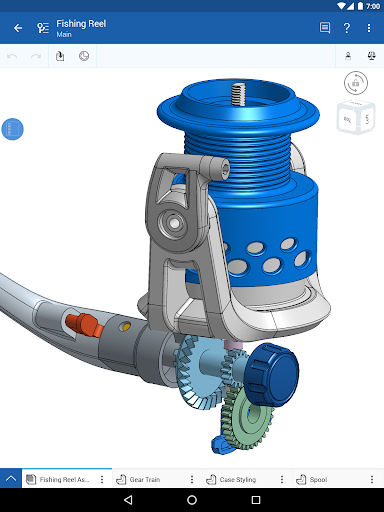
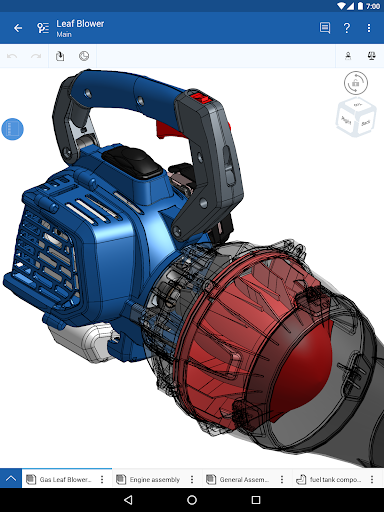
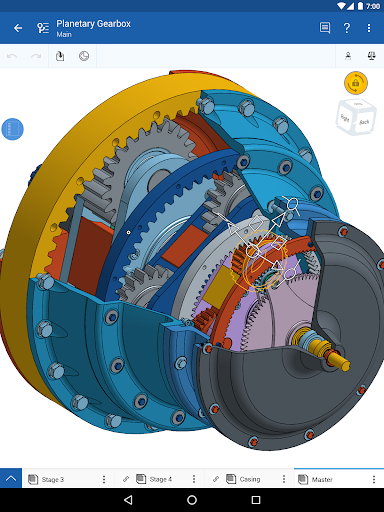
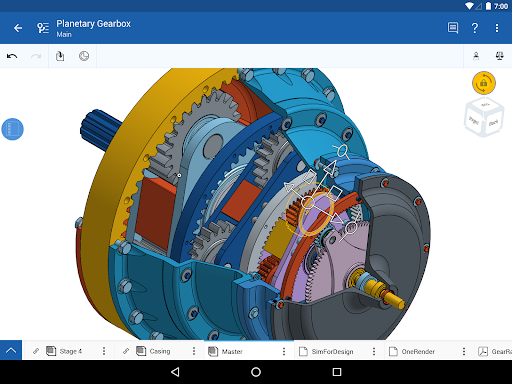
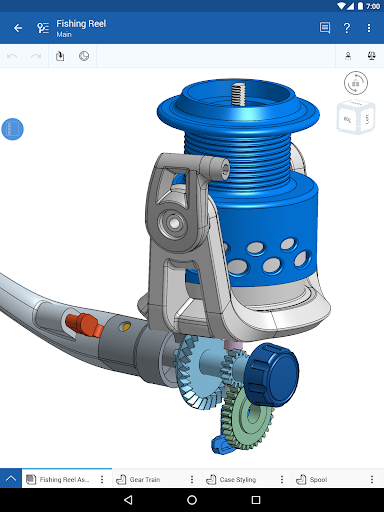
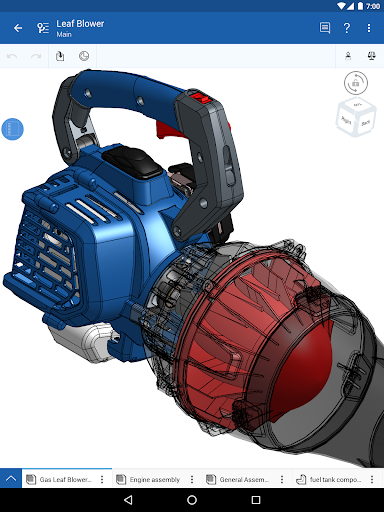
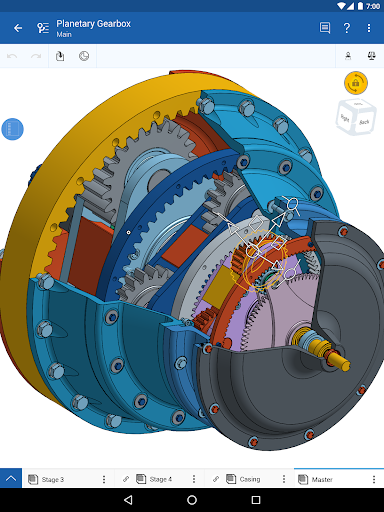
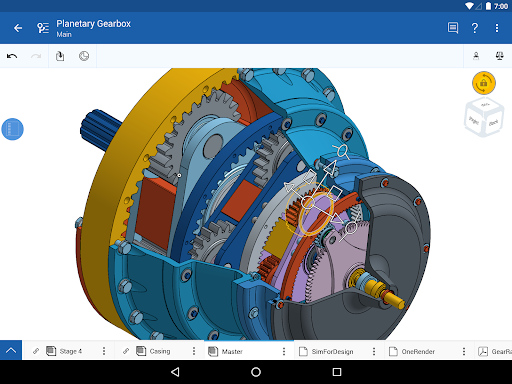
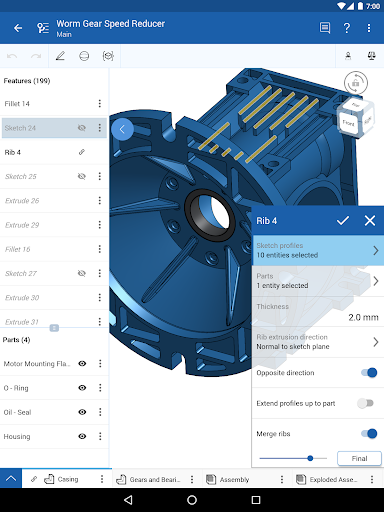
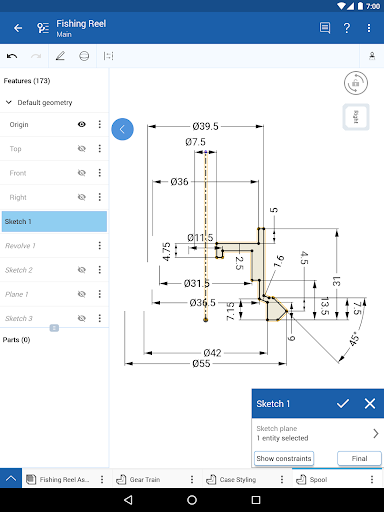
Click to download now, finish the installation quickly, and directly unlock the all-round experience
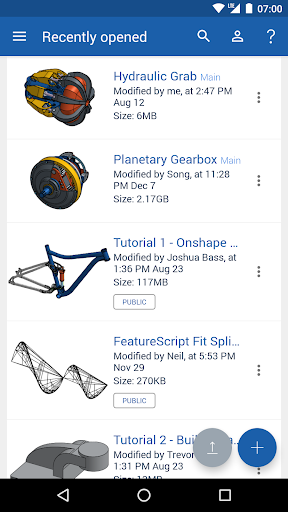
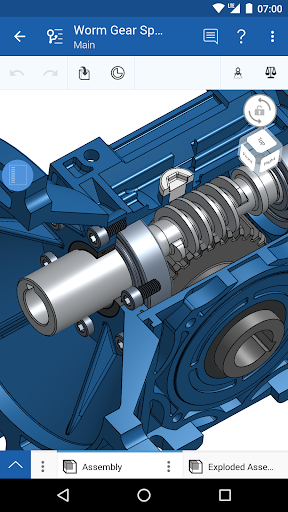
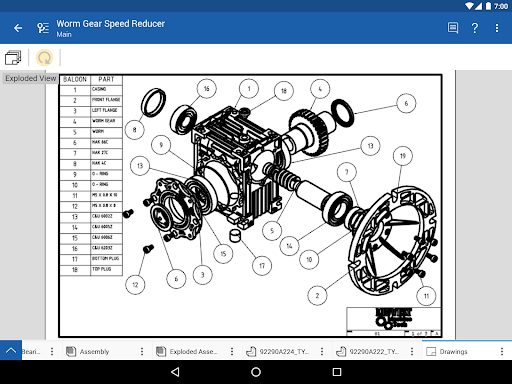
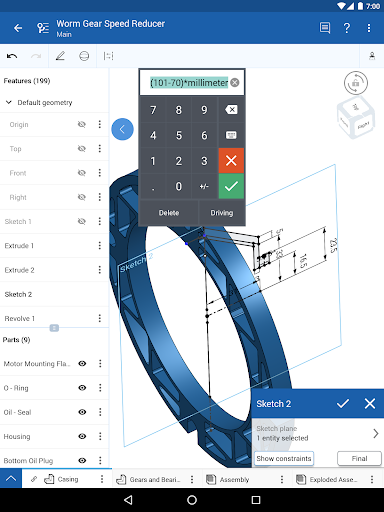
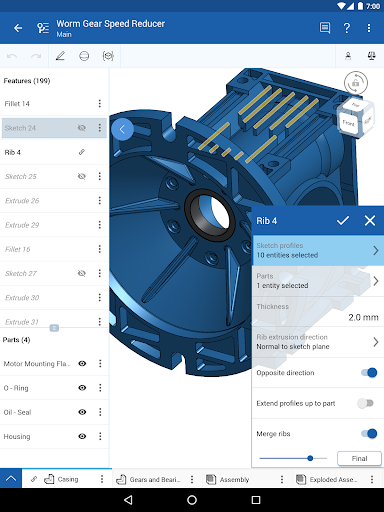
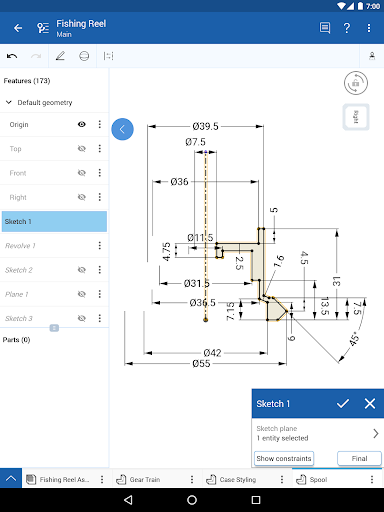
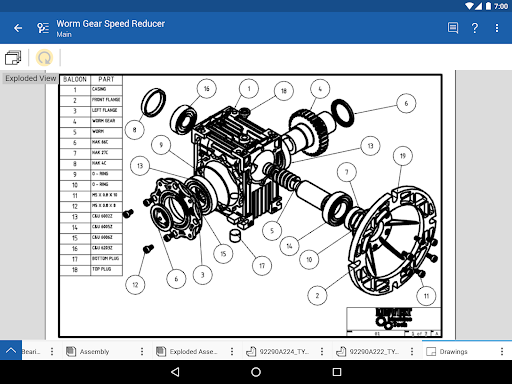
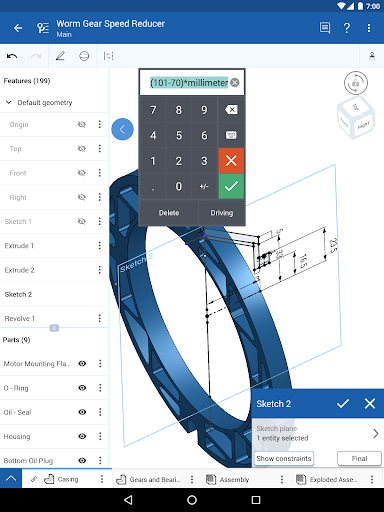
Onshape 3D CAD is a tool for creating and editing mechanical designs, including parametric parts and assemblies. It suits engineers and design teams who need to work with CAD projects from a phone or tablet as well as a computer. It is more specialised than a general-purpose drawing app, and the listing says an internet connection is required.
Design work lives in a shared cloud workspace, where collaborators can see changes as they happen, leave comments and follow another person’s view. You can share projects with teammates or partners and manage their access. Automatic saving and a shared source of project data are intended to reduce the need to pass files around or reconcile separate copies.
That arrangement can help when a team moves between devices, but it also makes connectivity central to the workflow. If your signal drops during a commute or a site visit, the listing gives no assurance that you can keep working offline. Plan to have a reliable connection when you need to edit or review a project.
Onshape is aimed at collaborative mechanical design, not casual sketching. Its mobile editing may be useful for checking or changing a design away from a desk, while detailed work may still call for a larger screen. The listing does not give enough information to judge how much phone storage the app needs or what permissions it requests.
PTC Inc. is the developer. The app has 1,000,000+ installs, but its 2.93 rating across 5,100 ratings is a reason to read recent user feedback before relying on it for important work. Those figures describe the public listing, not how the app will perform on your particular device or connection.