Remote access from an Android device
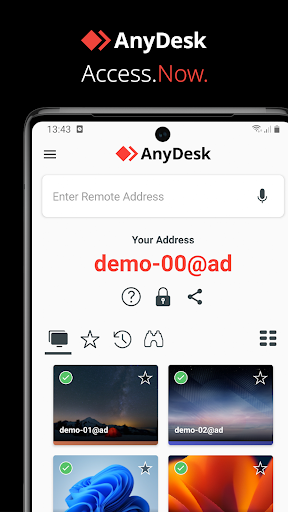
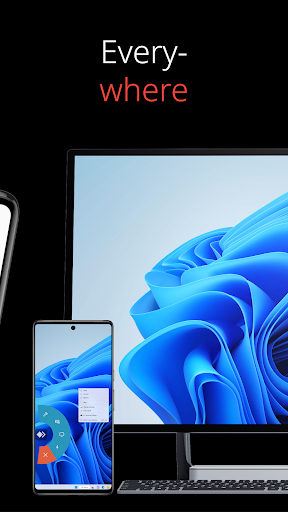
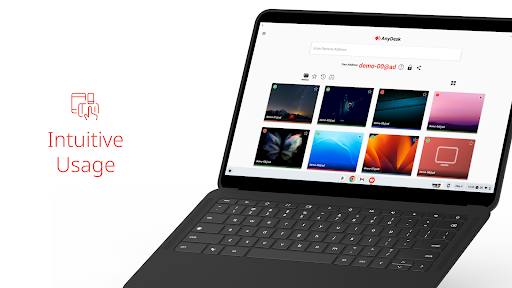
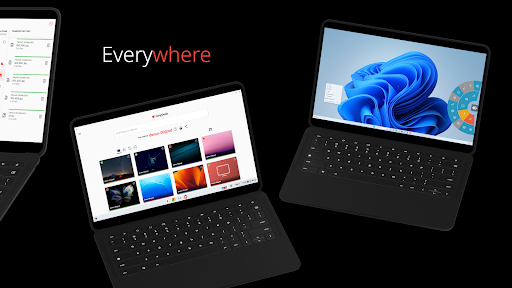
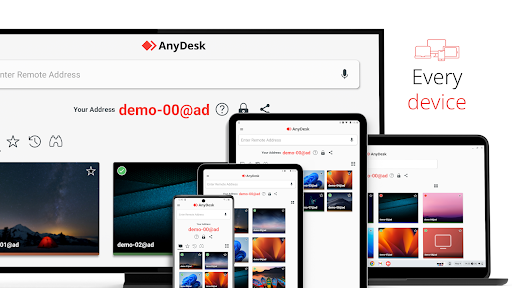
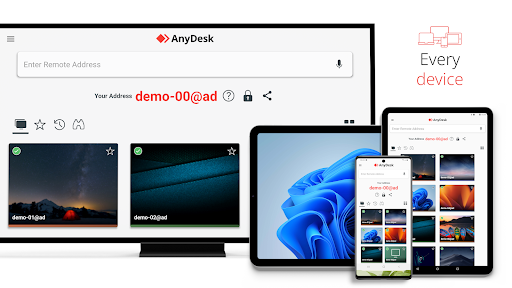
AnyDesk Remote Desktop connects an Android device to another device so you can access it remotely. It is aimed at people helping with IT problems, working away from an office computer, or needing to reach a device elsewhere. The other device must be available to connect to; this is not a way to use a computer that is switched off or out of reach.
Useful when you need more than a screen
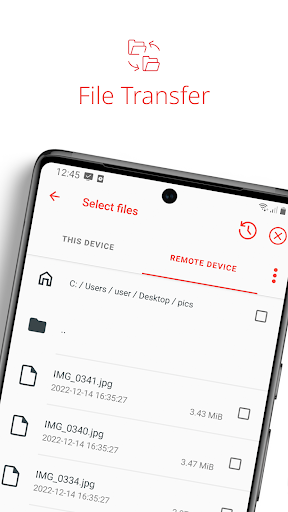
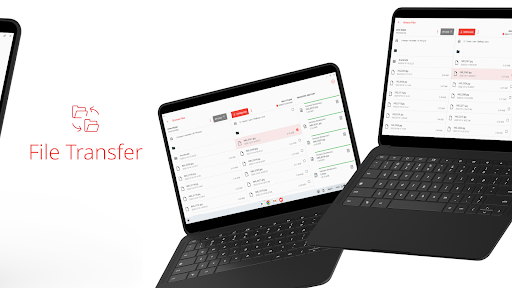
The published feature set includes file transfer and remote printing, which can help when you need to move a document or send it to a printer at the far end. AnyDesk also lists Wake-On-LAN and a VPN connection between the local and remote clients. The VPN does not provide access to either device’s wider local network, according to the feature description. These tools may suit support work, but they are less relevant if you only need to check a screen briefly.
Plan around the connection
Remote desktop depends on a usable network connection at both ends. A weak mobile signal can make a session difficult, and the app cannot make an unavailable remote device reachable by itself. A remote access request also needs to be accepted on the other device unless access has been set up otherwise. That makes AnyDesk a practical option for planned support or reaching your own equipment, but not a replacement for files stored locally when you are offline.
Cost and user feedback
AnyDesk Software GmbH lists the app in Business. The published terms say it is free for personal use; commercial use has separate arrangements, so businesses should check those before relying on it. The listing shows 100,000,000+ installs and 133,629 ratings, with an average score of 2.76. That large rating pool suggests broad use, while the modest score is a reason to compare recent feedback with your own needs before making it part of a work routine.